Over the last 6 years, beefound.agency has gone from a kitchen table to a beautiful office right in the heart of York, and along the way, we’ve been collecting tools, knowledge and expertise like nobody’s business. Right from day one, we’ve been curating an SEO toolkit, jampacked with the best SEO marketing tools, to set ourselves and our clients apart from the competition. Today, we’re sharing them with you.
No matter your level of experience or budget, there’s something for you here. In our top 14 list, we’ll be sharing a mix of software catered to different needs and covering all bases. And since we’ve got skin in the game and no interest in pushing products we don’t believe in, you can trust that these are honest recommendations.
Many of the tools listed below are ones we genuinely love and use practically every day. Full disclosure: we do have affiliate partnerships with some of them – but that’s simply because we think they’re great and want more people to benefit from them.
Our methodology (AKA What makes a good SEO tool?)
SEO tools come in all shapes and sizes, serving different functions, but ultimately, they are there to help your website perform better in search. And this isn’t restricted to Google either; plenty of the best SEO optimisation tools are designed to give you an edge in all sorts of search engines (Bing, Ecosia, YouTube, ChatGPT even).
Some are pretty niche, with very specific applications like analysing competitors’ backlinks, while others are more of a search engine marketing Swiss army knife, covering everything you need to improve your website, from monitoring traffic and visitors to finding strong performing keywords. We’ve included a mix here.
In our minds, a good SEO tool is one that is fast, intuitive, provides reliable, accurate data and, at the end of the day, brings results. Our list is by no means exhaustive (new tools always make their way onto the market), but we’ve made sure to order them by user-friendliness, starting with free and easy onboarding and progressing to more complex, data-rich and often pricier solutions. While agencies tend to rely heavily on these premium tools, their high cost can make them less suitable for solopreneurs. As with any tool, the quality of your results depends on the quality of the information you put in.
beefound’s picks for the best SEO marketing tools
Without further ado, here are the best SEO tools on the market right now that we recommend with confidence.
- Hike SEO – designed specifically for SEO newbies and small business folk
- Mangools – best SEO tool for keyword lookups and easy keyword filtering
- Yoast SEO – its clear traffic-light guidance makes on-page optimisation a breeze
- Rank Math (only for WordPress) – slightly more settings than Yoast, but still accessible for on-page and technical SEO tasks
- ChatGPT (GPTs for SEO) – a huge time-saver for bulk metadata optimisation & bouncing content ideas
- Detailed SEO – perhaps the quickest and simplest setup out of the bunch
- BrightLocal – best for local SEO tasks and review management
- GTmetrix – straightforward speed test with clear suggestions
- Moz – a suite of comprehensive SEO tools for domain analysis, keywords, backlinking and more (including free ones)
- Google Search Console – a reliable tool for monitoring, maintaining and troubleshooting your website presence in Google
- Google Analytics – best for tracking website traffic and user behaviour, but extensive data can overwhelm beginners
- Buzzstream – a powerful end-to-end outreach solution; however, the setup takes time
- Semrush – an excellent all-in-one tool, but the interface is busy and takes some getting used to
- Ahrefs – a powerful multipurpose toolkit, although best once you know the SEO fundamentals
The definitive list of the best SEO optimisation tools expanded
Now you have our recommendations, let’s probe deeper into why we think they’re so great.
For: beginners just starting to dabble in SEO

1. Hike SEO
Hike is still a relatively new kid on the block, entering the market back in 2018, but it packs a punch if you’re after a comprehensive SEO tool with a gentle learning curve and minimal data crunching.
It comprises a few core features: tools for keyword strategy and on-page content, SEO audit capabilities, Google Business Profile optimisation, local directory listings, plus reporting and analytics.
Underpinning each of these is Kit, Hike’s AI assistant, which will formulate a campaign for you, make tangible suggestions for your site, and implement them (with your permission and oversight, of course). This is one of the main draws; you don’t need to get bogged down in the numbers or trawl through YouTube tutorials to upskill. Instead, you can focus on the ‘real’ business stuff, while Kit does the technical tasks behind the scenes, parsing the process in easy English so you can understand what’s going on.
Who is it for?
Hike was intentionally built with small businesses in mind and, in that way, it’s very different from the bigger SEO players. Not only does it make redundant the need for agency retainers, but the software is priced as to be affordable for SMEs who might not have the budget for more advanced tools.
Price
- £99 / month Single Site
- Starting at £199 for Multi-Site use
Pros
- A completely ‘done for you’ automated service
- The ideal sweet spot between price and utility
- Tools are easy to get to grips with, even if you’re less tech-savvy
- Responsive support from a friendly team, including an introductory Zoom call to get started
Cons
- Compared to more sophisticated tools, Hike isn’t as scalable
- Less in-depth on the data front and less efficient than other tools
- Suggestions are too basic for those with complex requirements or industries
- Link building isn’t included
2. Mangools
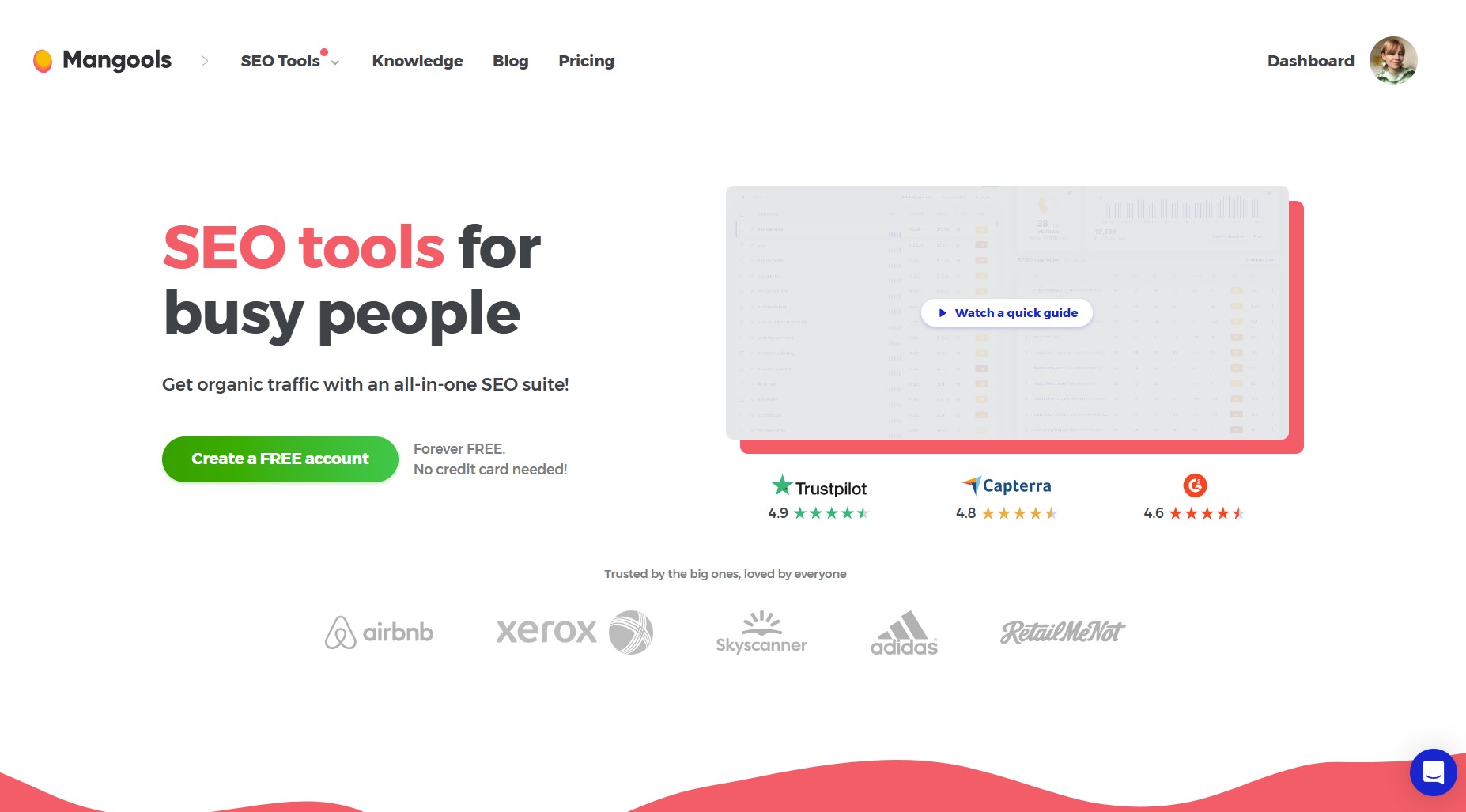
Mangools is a quintet of tools designed for professionals and beginners alike. The suite includes KWFinder for researching organic keywords, SERPChecker for competition analysis, SERPWatcher for tracking your rankings, LinkMiner for finding strong backlinks, and, finally, SiteProfiler for analysing site SEO metrics.
Mangools has great reviews from both SEO newbies and longstanding professionals, praising its minute learning curve, well-formatted data and reasonable price tag compared to other tools. It’s great for understanding what your customers are searching for and, crucially, how they’re searching, which makes it easier to adapt your content accordingly. And, because its data comes from reliable sources at Google, it’s easy to benchmark your keyword progress accurately.
Who is it for?
In our experience, Mangools strikes a nice balance between user-friendliness and power, meaning that both individuals and agencies can get a lot out of it. It’s been one of our go-tos for keyword research for years, and we couldn’t recommend it enough for on-page optimisation. Just note that the lower tiers have limitations on how many insights you can search up in a day, which can strike a nerve when you’re on a time crunch.
Cost
- £25.04 Basic Plan
- £38.76 Premium Plan
- £77.61 Agency Plan
Pros
- Clean, easy-to-follow interface
- Straightforward to learn as a beginner
- Doesn’t dumb down or simplify the metrics
- Access to a wealth of data on organic search
Cons
- Not an all-in-one solution, so needs to be paired with other tools
- Daily limitations on the lower tiers can feel restrictive for bigger projects or if you’re working on multiple sites
- With KWDFinder, the lookups can be (painfully) slow to load at times
3. Yoast
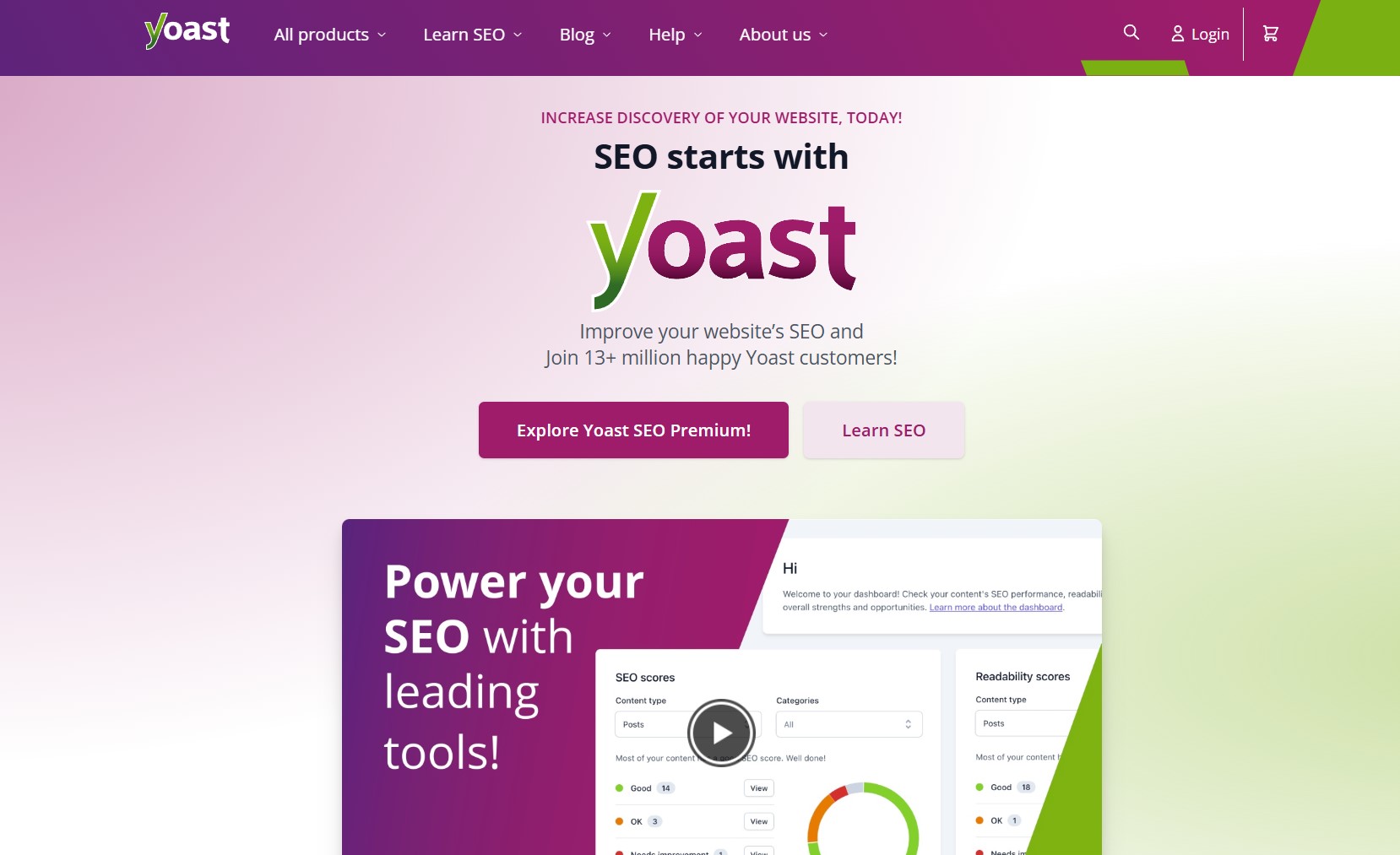
Yoast is one of the most downloaded WordPress plugins, with more than 10 million active installations. Why? Because it’s one of the best optimisation tools for technical SEO, offering a variety of functions designed to help website owners do everything from structuring data, implementing keywords, dealing with redirects and internal linking, optimising metadata and beyond. Nowadays, there are also versions for Drupal, Shopify and Neos CMS.
Its handy colour-graded system makes it easy to see how well your site’s health is doing at a glance. It even has AI-powered meta title and meta description suggestions to save you valuable time while you upload blogs.
Who is it for?
Anyone in the e-commerce space with a WordPress site and an understanding of the SEO basics, looking to improve their rankings for a reasonable price.
Cost
- Free for standard plugin
- £118.80 / year (ex. VAT) for Premium add-on
- £178.80 / year (ex. VAT) for WooCommerce add-on
- £14.05 / month (ex. VAT) for Shopify add-on
Pros
- It’s free!
- Intuitive to add to your site and learn
- Great dashboard, providing a simple overview of how you’re doing
- Yoast SEO Academy trains you to improve your skills and knowledge
Cons
- Often criticised for being bloated and adding strain to load times
- Doesn’t factor in off-page factors, such as external link quality
- Some technical knowledge is required to exploit the plugin’s full potential
- E-commerce upgrades can be too expensive for small businesses
4. Rank Math
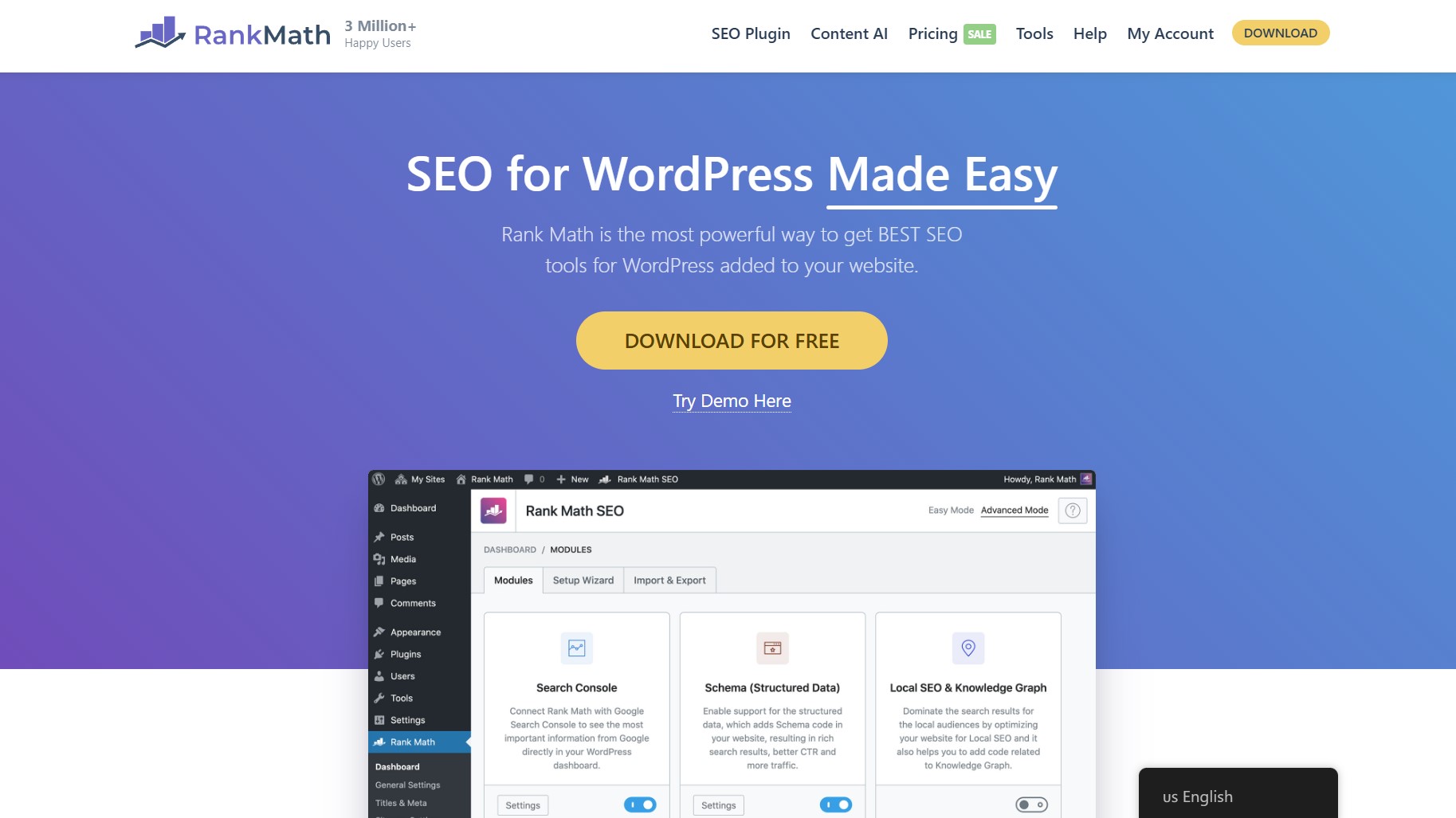
Similar to Yoast, RankMath is another WordPress plugin for SEO. Its creators’ pitch is that it’s super-fast; you can spot and fix technical issues in seconds and get a clear overview of your on-page SEO pretty much instantly. RankMath covers elements like keyword rankings, sitemap status, indexing issues, position history, schema generating and much more – all wrapped up in a clean, user-friendly interface.
Who is it for?
Those looking to ace their technical and on-page SEO, but who want more features and complexity that Yoast can offer. Therefore, it’s suited to people who are a little more SEO confident than complete beginners; a baseline of knowledge is helpful here.
Cost
- Free for standard plugin
- £5.17 / month (ex. VAT) for Pro users
- £15.53 / month (ex. VAT) for Business users
- £36.98 / month (ex. VAT) for Agency users
Pros
- It’s free!
- Practically configures itself, making setup easy peasy
- Generally considered faster and more lightweight than Yoast
- Has more free features than Yoast and offers a domain-wide analysis
Cons
- Less beginner-friendly than some of the tools discussed thus far
- Less detailed readability analysis than Yoast
- More expensive AI features than other tools
- Some users find the interface a little clunky

5. Chat GPT (specifically, GPTs designed for SEO)
A bit of a controversial one, we know. AI tools like ChatGPT have taken over the market in such a short space of time, and it’s partially because they’re so helpful when you’re on a time crunch. When it comes to scaling tasks that would normally eat up an inordinate number of hours, ChatGPT can be a lifeline. Say, for example, you have a hundred product pages to optimise, here you can provide specific, rule-bound instructions to deal with elements like meta descriptions, meta titles and URLs, and even schema. The best part is that there are already many GPTs (custom ChatGPT setups) trained with tailored prompts, workflows and data for specific SEO tasks like these.
A quick word of warning, though. We’d recommend thinking of large language models as a timesaver for execution, rather than a replacement for a well-thought-out strategy. While AI content can indeed rank in Google, that doesn’t mean you should copy and paste entire articles left, right and centre. Instead, it’s better to treat the AI as a creative partner and supplementary tool; for brainstorming blog outlines, bouncing ideas around and enhancing your writing.
People can spot AI-generated writing a mile off, and many don’t warm to it. In YMYL niches – industry topics wherein people’s physical and financial health, wellbeing and safety can be impacted – this is so so important, on a compliance level and a trust level too.
Who is it for?
Business owners and marketers seeking to save time on cumbersome, admin-heavy tasks like on-page optimisation.
Cost
- Free (with OpenAI’s basic plan)
- £16–20/ month for access to GPT-4 with custom GPTs
Pros
- Massive time saver for bulk tasks
- A nifty brainstorming assistant
- It’s one of the most accessible and beginner-friendly tools
- Can support coding tasks and troubleshoot problems there
Cons
- Risk of producing bland copy, if content is left unedited
- Needs oversight and fact-checking, especially in regulated fields
- Can’t substitute domain analysis, auditing and keyword tools
6. Detailed SEO Extension
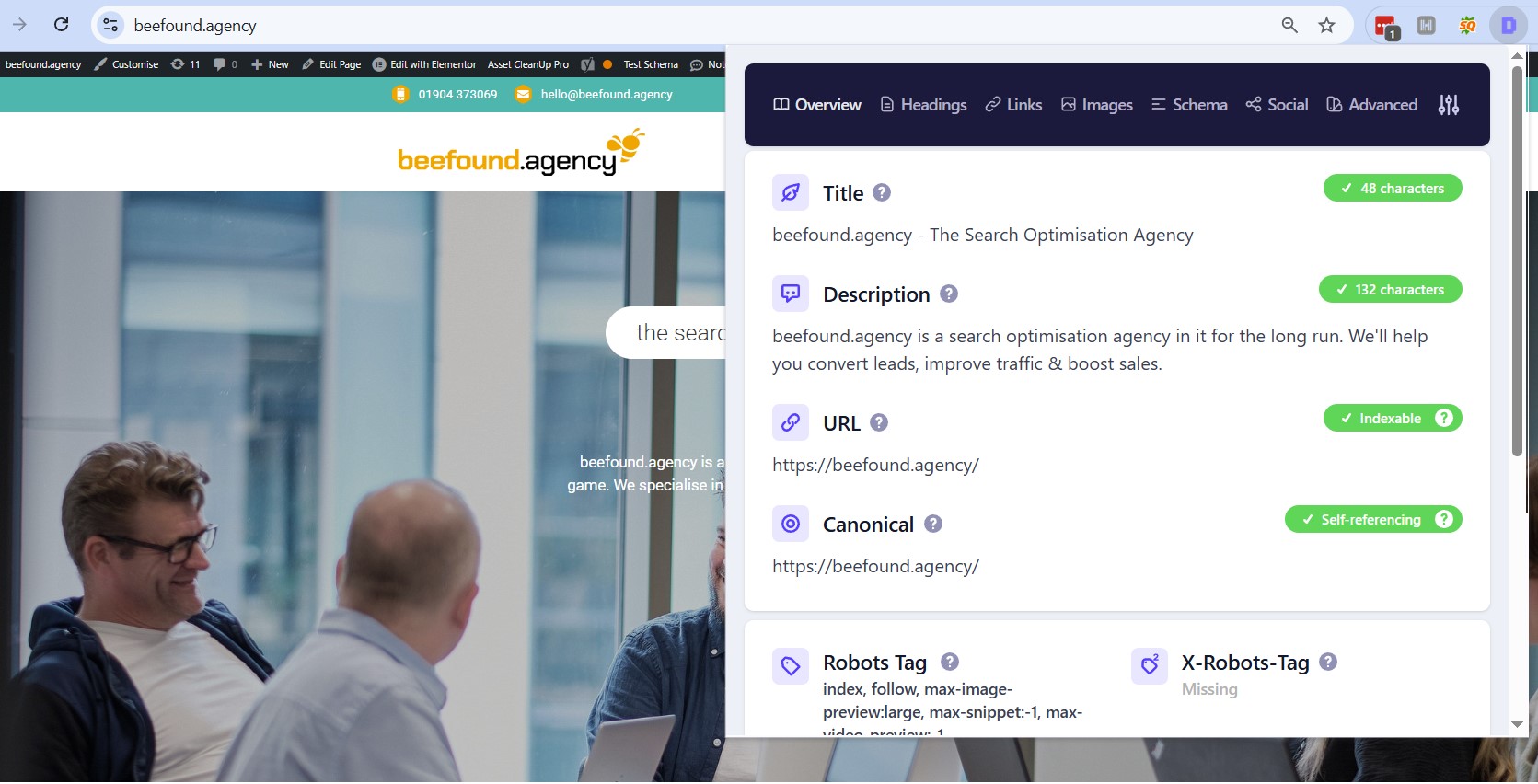
Detailed SEO is a browser extension, compatible with Chrome and Firefox, that gives you a neat overview of the on-page elements of a given webpage. In a click, you can see a breakdown of essential details like titles, meta descriptions, headings, internal/external links and schema, to name a few. While not quite as comprehensive as heavyweight tools like Ahrefs and Screaming Frog, it covers the basics you need in a pinch and fast. We use it regularly and would definitely recommend it as a starting point.
Who is it for?
Beginners seeking an at-a-glance overview of on-page SEO, for their site and competitor sites.
Cost
- Free!
Pros
- Zero setup needed
- Regularly updated and fully featured
- Literally takes milliseconds to provide insights
- Great for quick fixes
Cons
- Limited to on-page checks (no keyword research, backlink data or rankings)
- While a reliable and speedy diagnostic tool, it can’t replace a full SEO audit
7. BrightLocal
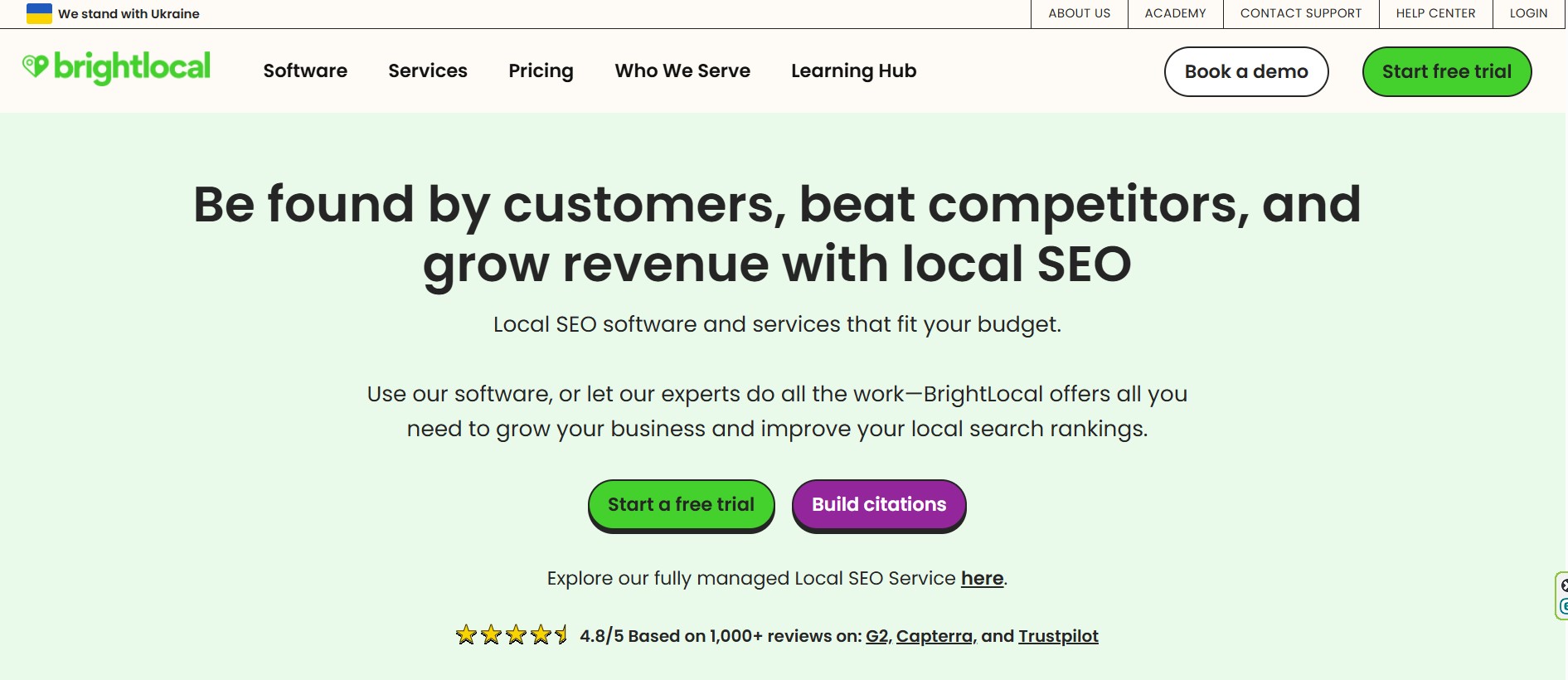
If your business relies on local customers, BrightLocal is one of the best marketing tools you can add to your SEO toolkit. It’s designed specifically for local SEO and reputation management, giving you everything you need to monitor rankings, track citations, manage reviews and benchmark your performance against nearby competitors.
One of its biggest strengths is review management. BrightLocal pulls in reviews from platforms like Google, Facebook and Trustpilot, so you can monitor, respond to and report on customer feedback all in one central dashboard.
Who is it for?
Local service businesses or those with a specific physical location, looking to up their local SEO game.
Cost
- £21.45 / month for Essential Local SEO Tools
- £26.63 / month for Listings Management
- £32.55 / month for Review Management
Pros
- Helps maintain your online reputation
- An easy way to manage reviews
- Reliable data and insights into local rankings, plus citation consistency
- Easy to set up and use, even for small business owners
Cons
- Entirely locally-focused, so not suited to international businesses
- Can get pricey when managing multiple locales

8. GTmetrix
GTmetrix is a straightforward website speed testing tool that gives you a clear performance score and actionable suggestions to make your site faster. It pulls data from Google Lighthouse and Web Vitals, breaking down metrics into an easy-to-understand report.
What sets GTmetrix apart is its simplicity. You don’t need to be a developer to understand what’s slowing your site down. The tool highlights specific issues, like oversized images, render-blocking scripts or server response times, and shows you exactly where improvements can be made.
Who is it for?
Website owners who want a quick speed test without all of the code complexity, or those after a landing page diagnosis so they can improve conversions.
Cost
- Free basic reports
- Paid plans start at £3.70 / month
Pros
- Easy-to-read performance scores and recommendations
- Insights are up-to-date and reliable
- Ability to test from different locations and devices
Cons
- Only identifies problems; you’ll have to fix them yourself
- Paid plans can become expensive the more features you add
For: intermediate users

9. Moz
Moz is a well-known SEO tool that has been a staple for professionals for quite some time. The software is a comprehensive suite of SEO tools, covering everything from keyword research and rank tracking to backlink analysis and site audits. For many marketers, it strikes the right balance between depth of data and ease of use. As such, you don’t need to be an expert to make the most out of it.
Who is it for?
People who want an all-in-one tool whose insights aren’t too complicated to parse.
Cost
- Free tools available (incl. DA checks and limited keyword lookups)
- Paid plans start at £28.83 / month if you pay yearly
Pros
- It’s a great start tool for beginners tackling site audits
- Wide mix of tools in one platform (keywords, backlinks, site audits, rank tracking…)
- Moz provide plenty of learning resources via Moz Academy
Cons
- Data depth isn’t as strong as competitors like Ahrefs or Semrush
- Can get expensive for small businesses needing advanced features
10. Google Search Console
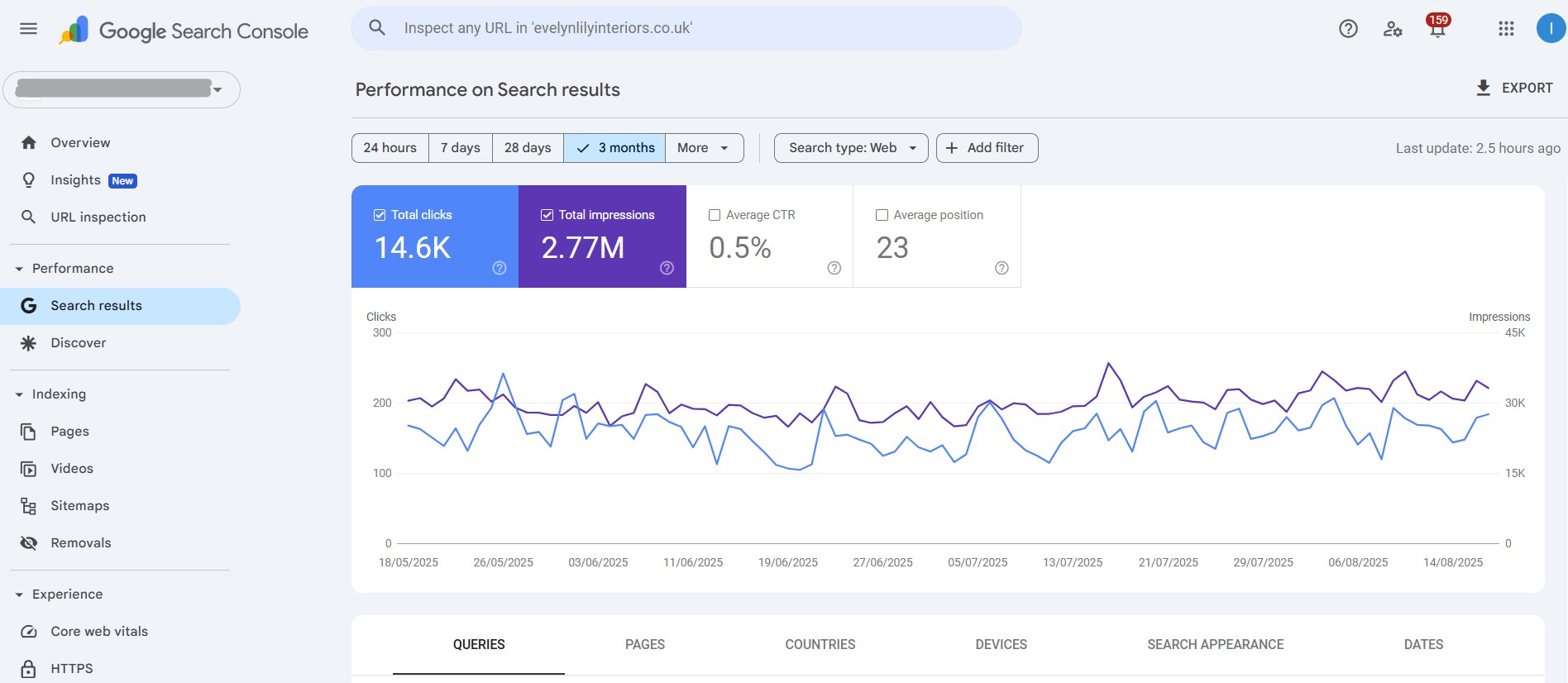
Google Search Console is a web-based tool that helps website owners monitor, maintain and troubleshoot their online presence in Google’s network (primarily Search and Discover). The beauty of this tool, besides its non-existent price tag (yep, it’s free!), is that it provides detailed insights into how Google crawls, indexes and serves your website whilst indicating potential issues that might be affecting your performance. This covers keyword rankings, crawl errors or indexing problems, speed and usability issues, audience insights and sitemap support.
Who is it for?
Anyone hoping to better understand how Google views their site and optimise it for organic visibility.
Cost
- Completely free
Pros
- The data is top-notch and direct from Google
- Helps troubleshoot indexing, crawling, and performance issues
- Integrates well with many other tools
- Accessible and has plenty of guides
Cons
- Some find the learning curve challenging
- Requires some SEO knowledge to interpret the data
- You’ll need another tool for competitor insights
For: SEO aficionados

11. Google Analytics
Google Analytics is one of the best SEO marketing tools as far as website traffic and user behaviour are concerned. It tracks how visitors find your site, what pages they interact with, how long they stay and whether they convert, giving you a data-rich picture of your audience and performance. With the rollout of GA4, businesses now have access to even more granular insights across websites and apps, which is a major plus. On the flipside, though, it takes a mountainous learning curve to master, and that means considerable time and energy spent training yourself up.
This is where outsourcing to an agency can make a big difference. Agencies not only absorb the subscription costs of advanced tools (like GA360 or paid integrations) but also bring the expertise to the table to help interpret and act on the data most efficiently.
Who is it for?
Marketers looking to better understand their customers and site visitors, or those running PPC campaigns and multi-channel marketing strategies.
Cost
- Free for GA4 (which is more than enough for most businesses)
Prose
- Highly trusted by industry leaders
- Great depth of info, including traffic sources, conversions and user behaviour
- Integrates seamlessly with Google Search Console and Google Ads
Cons
- Sharp learning curve for beginners
- Those making the switch from Universal Analytics to GA4 require retraining
- The excess of data can be overwhelming and distract from objectives

12. Buzzstream
Buzzstream is an end-to-end backlinking tool designed to make the SEO outreach process more streamlined and, ultimately, more profitable. What we like about it is that it’s not just focused on scaling your email campaigns, but it also helps you find quality prospects to begin with. It’s far superior to the manual alternative of spreadsheets and provides detailed performance tracking to help you optimise those all-important conversions.
Who is it for?
Those wanting to save time on their outreach campaigns, especially if link-building or digital PR is on your priorities list.
Cost
- Plans start at £21.44 / month for 2 users
Pros
- Automates the entire outreach process, from prospecting to pitching
- Great for email A/B testing
- A huge time-saver
- Highly scalable
Cons
- Setup requires some getting to grips with
- Success still largely hinges on pitch/content quality
- A bit pricey for solo users or small teams

13. Semrush
Ah, Semrush – this nifty all-in-one SEO tool has become part of beefound’s daily routine as we work to improve our clients’ rankings. Complete with everything you could possibly need (rank tracking, keyword and competitor insights, content optimisation support, backlink analysis, site auditing and analytics…), it’s a reliable tool that benefits businesses massively when it comes to optimising every aspect of your site.
Since it’s pretty intuitive and simple to set up, there are only a few small downsides. For one, you need a certain base level of SEO understanding to parse the reports, and secondly, the cost can add up quickly when you add features, users and websites. This said, given the sheer amount of tools included, it’s definitely worth the money, so a robust investment for growing companies that can afford it.
Who is it for?
Solopreneurs and marketing teams after a value-for-money, comprehensive SEO solution, and who can afford to stretch their budget.
Cost
- £103.46 / month for individual users
- £184.84 / month for the small business plan
Pros
- Some of the best reporting on the market, with solid data visualisation
- Hard-to-beat breadth of features, covering technical, on-page and off-page SEO
- Combines both organic and paid search result insights
Cons
- The interface is potentially overwhelming
- One of the more expensive tools, when factoring in users and projects
- Quite a hefty learning curve, given there are so many features
14. Ahrefs
Ahrefs is among the top contenders for comprehensiveness and, like Semrush, a favourite for professionals thanks to the sheer depth of data and functionality. While it’s known for its backlink analysis, it also performs well in keyword research, content gap analysis, rank tracking and technical site audits. Its core offering has fewer tools than Semrush; however, its add-ons level the playing field, especially when you look at their Brand Radar – a tool designed to track how your brand appears in AI-generated answers.
Who is it for?
Mid- to large teams and intermediate SEOs seeking an overarching tool to handle all of their daily SEO tasks, from on-page and technical optimisations to planning high-impact content.
Cost
- £99 / month for Lite
- £199 / month for Standard
- £359 / month for Advanced
Pros
- Well-established and well-liked by industry leaders
- Simple and streamlined user interface and layout
- Packs a lot of features into one tool
- Excels in backlink and competitor analysis
Cons
- Fewer features than other all-in-one tools
- Some limits on usage for lower tiers
- Steeper learning curve compared to beginner-friendly tools
- No free trial, but they have some separate free Webmaster Tools
Honourable mentions
Before we wrap up, here are a few honourable mentions that didn’t quite make the list, the reason being that they’re not technically SEO tools.
However, as some of the best tracking and data attribution tools out there, they’re great supplements that will help you refine your SEO activities by improving user experience, reducing bounce rates and allowing you to attribute conversions to the right marketing channels. For a more in-depth look, check out our dedicated guide.
- Hotjar – shows areas requiring technical improvements and content optimisation on your site via tracked user behaviour and bounce rates, which are displayed as heatmaps.
- Cometly– tracks customer journeys, records conversion data and helps identify touchpoints, from search queries to landing pages, to help you give credit to the right marketing channels.
- Mixpanel– shows the impact of each of your marketing efforts with user behaviour data and trends across your funnel.
Which of the list are you adding to your personal SEO toolkit?
Phew – talk about information overload! We hope this list has been more helpful than overwhelming, and that through it, we’ve set up the meet cute for your next can’t-live-without tool.
Just a quick reminder: the ‘best SEO tools’ is a subjective term, so do take these recommendations with a microdose of salt. While we’ve got plenty of agency experience using them and can stamp them with the beefound seal of approval, we understand that capacity for learning and software competency can vary.
So, if you’re still feeling uncertain about which one to start playing around with, why not work your way through the list chronologically? Or, if you haven’t the time to dedicate, get a Google-certified specialist to give you a helping hand – our team is ‘buzzing’ to get your small business off the ground. And don’t forget to bookmark this page for reference while you’re at it!